Design intent
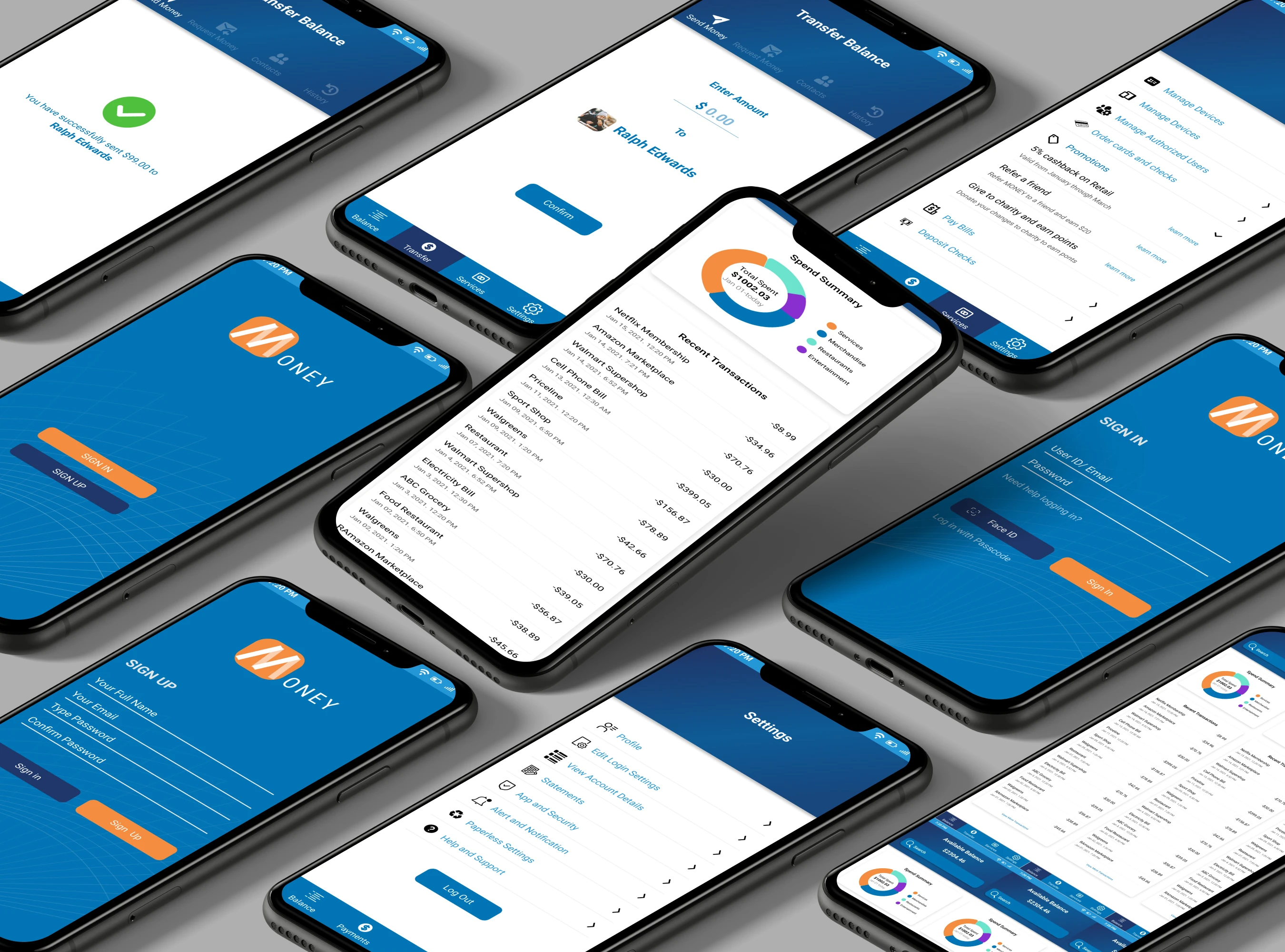
I explored how a banking interface could make common tasks feel simpler while maintaining clear access to services. Transparency, navigation, and visual hierarchy guided the design.
This case study focuses on the interface and interaction design documented in the screens. The deliverable is a Figma prototype; detailed research findings and measured usability outcomes are not available for this concept.
Account access
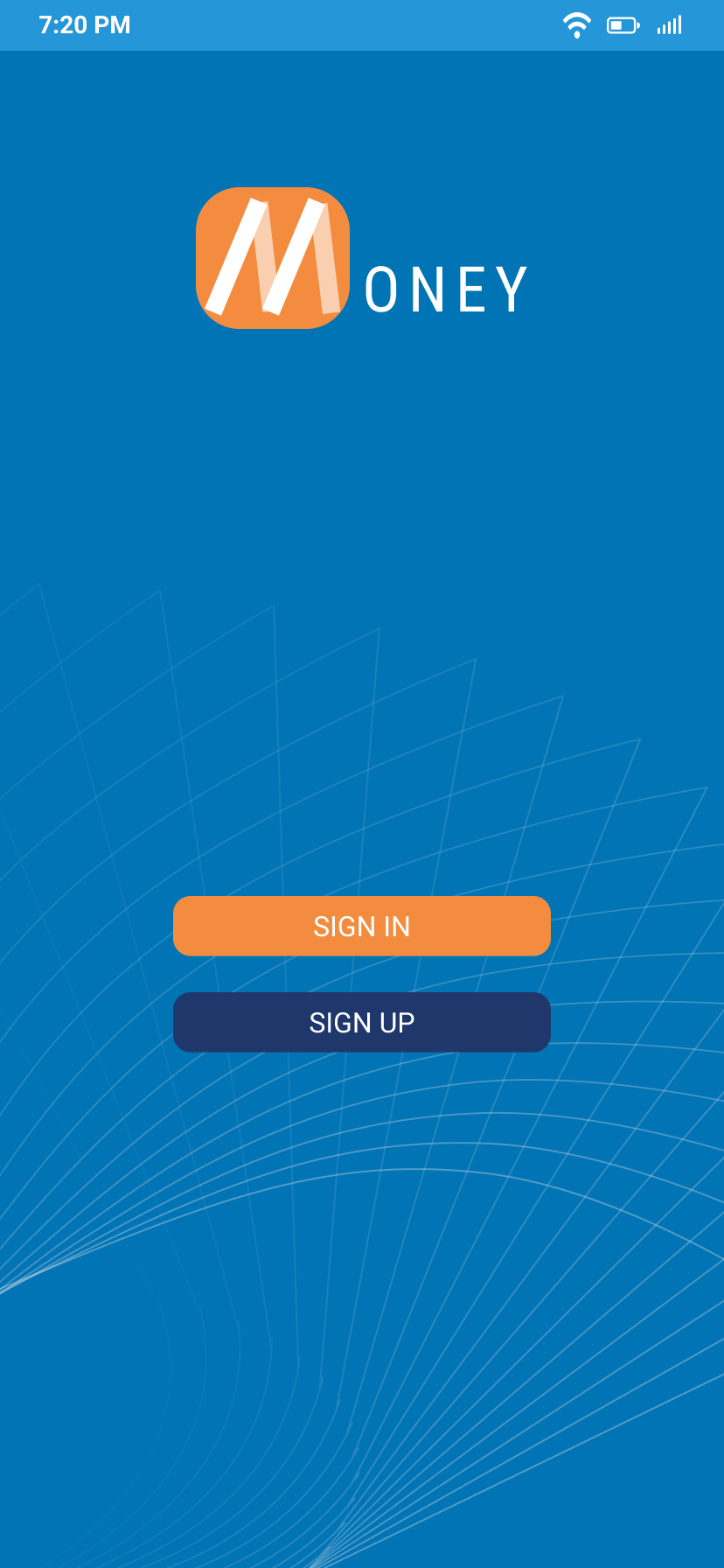
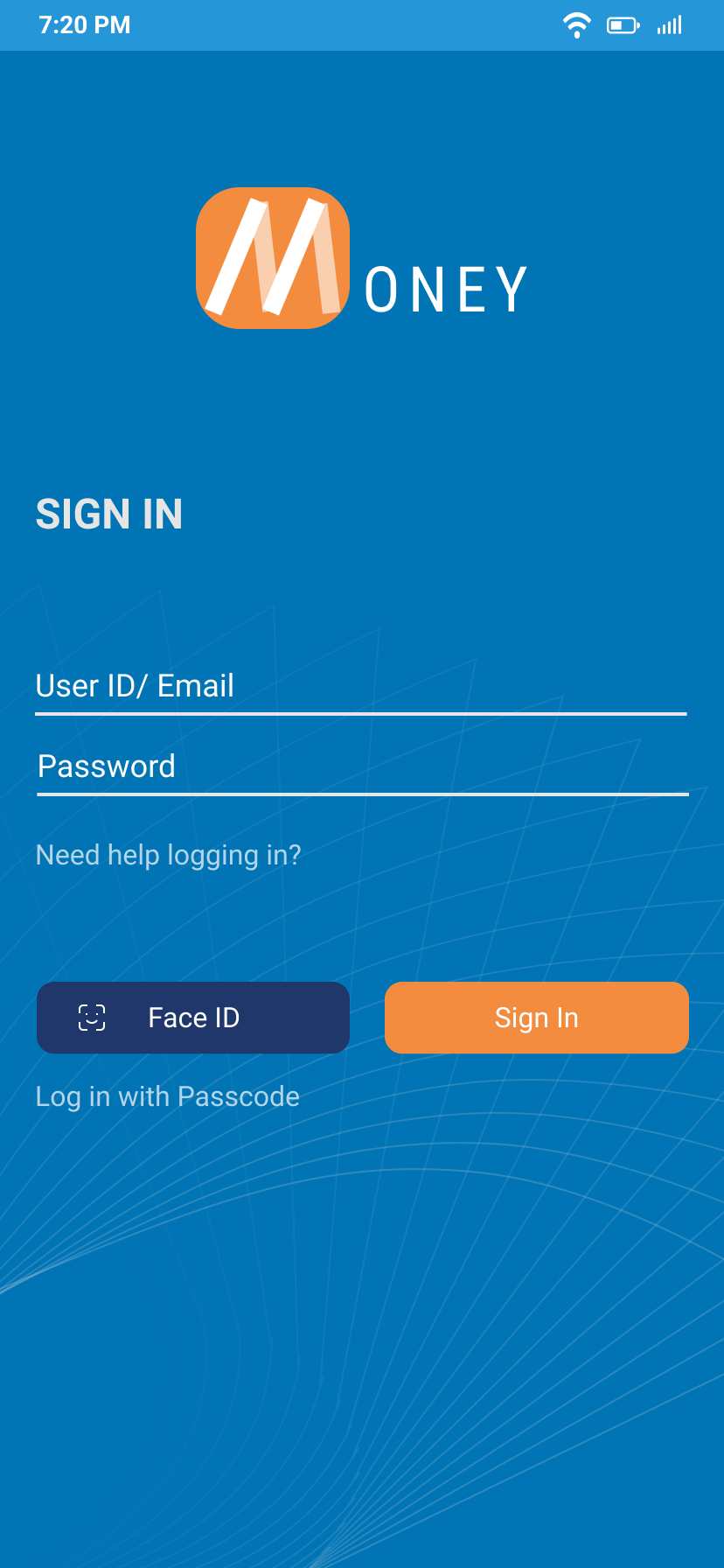
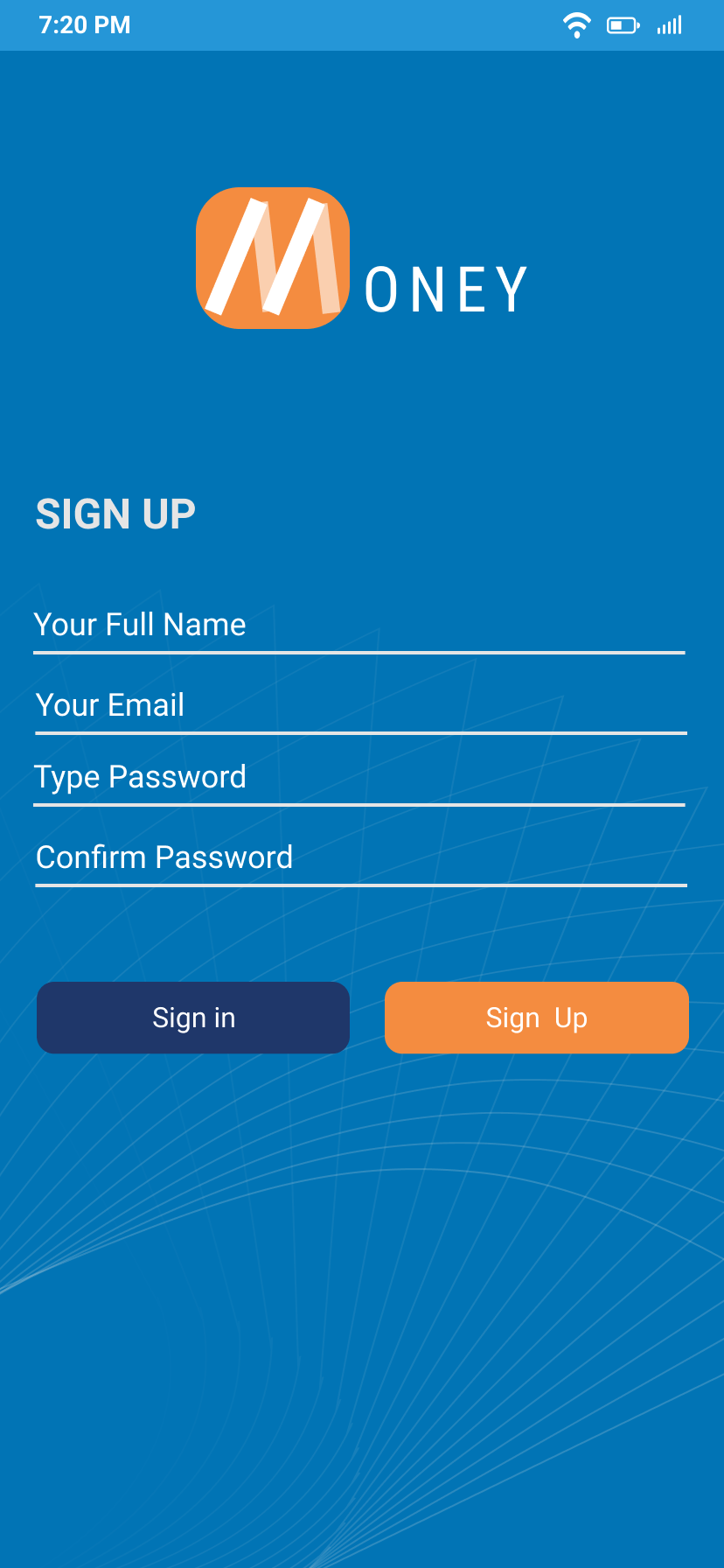
The entry screens separate signing in from creating an account. The sign-in concept places account-recovery help near the credential fields and explores Face ID and passcode alternatives. These screens describe proposed access options, not implemented authentication.
Balance & activity
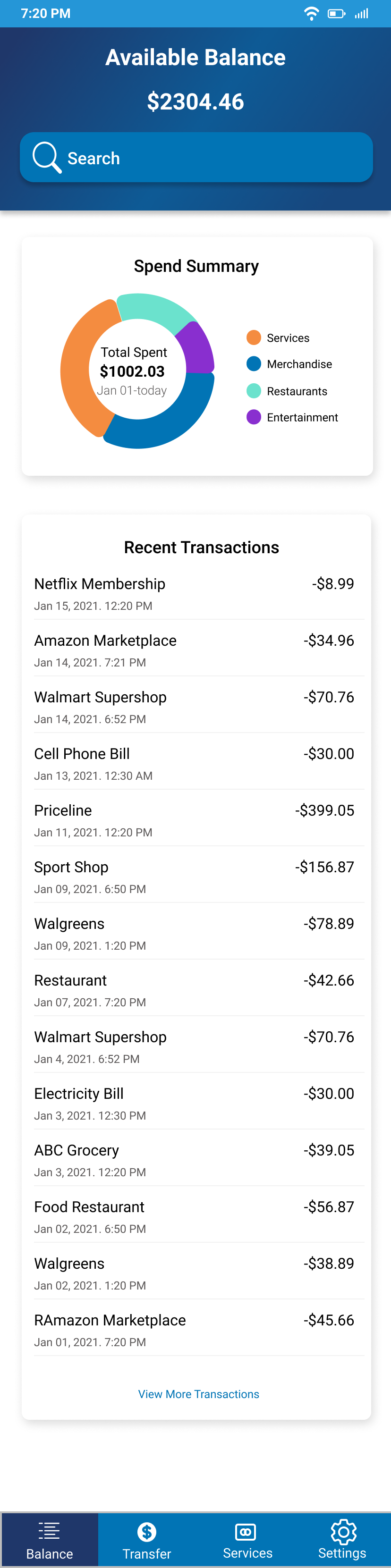
The dashboard puts available balance first, followed by search, a spending summary, and recent transactions. The hierarchy separates the current balance from spending over time and individual transactions.
The chart uses a category legend, while the transaction list pairs merchant names with dates and amounts. A next iteration should also expose category amounts in text so the summary is understandable without relying on the chart.
Sending money
The transfer-entry screen centers the amount and selected recipient above a confirmation action. The success-state mockup pairs a checkmark with text repeating the amount and recipient, making the result explicit.
Design intent: make the key transfer details easy to identify before and after sending. A review step, validation, and recovery states would need further design and testing.
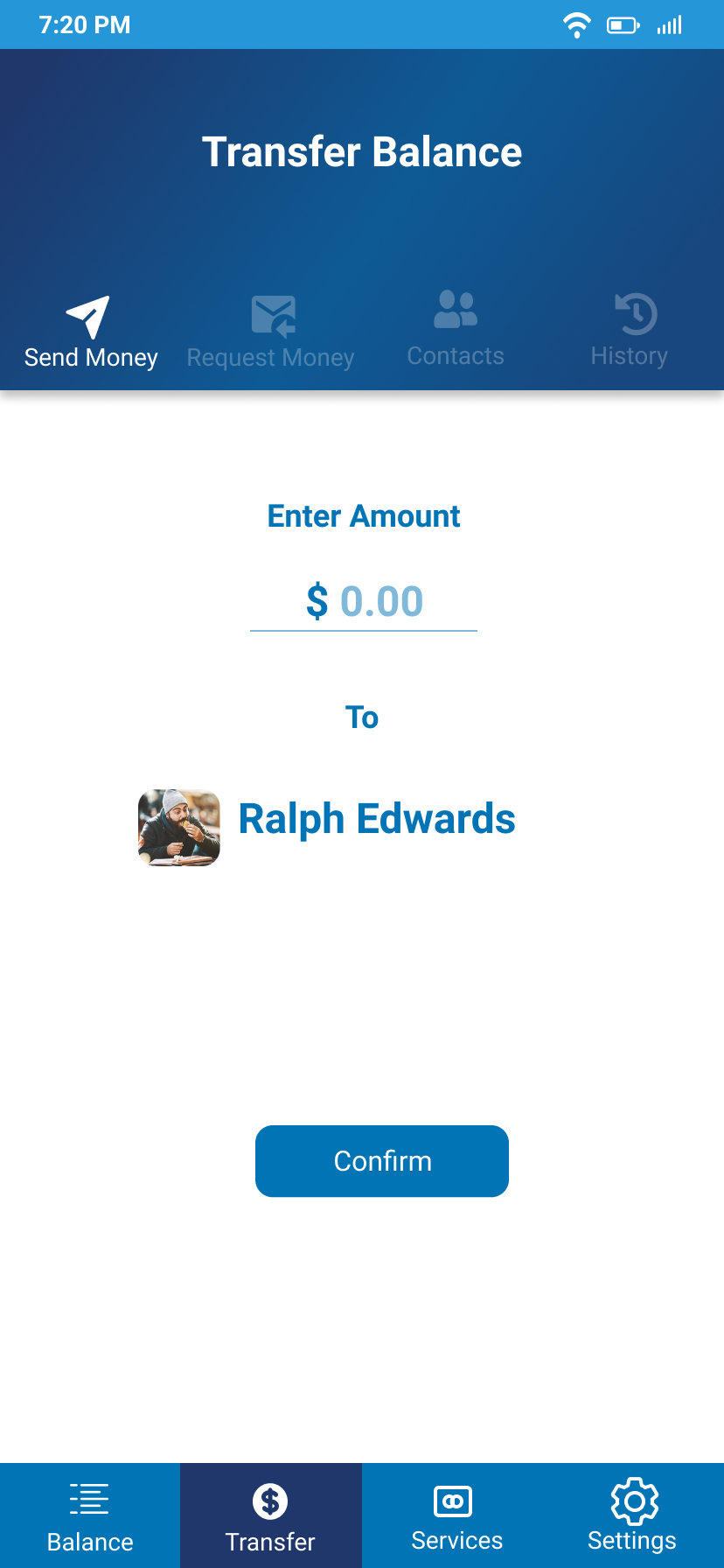
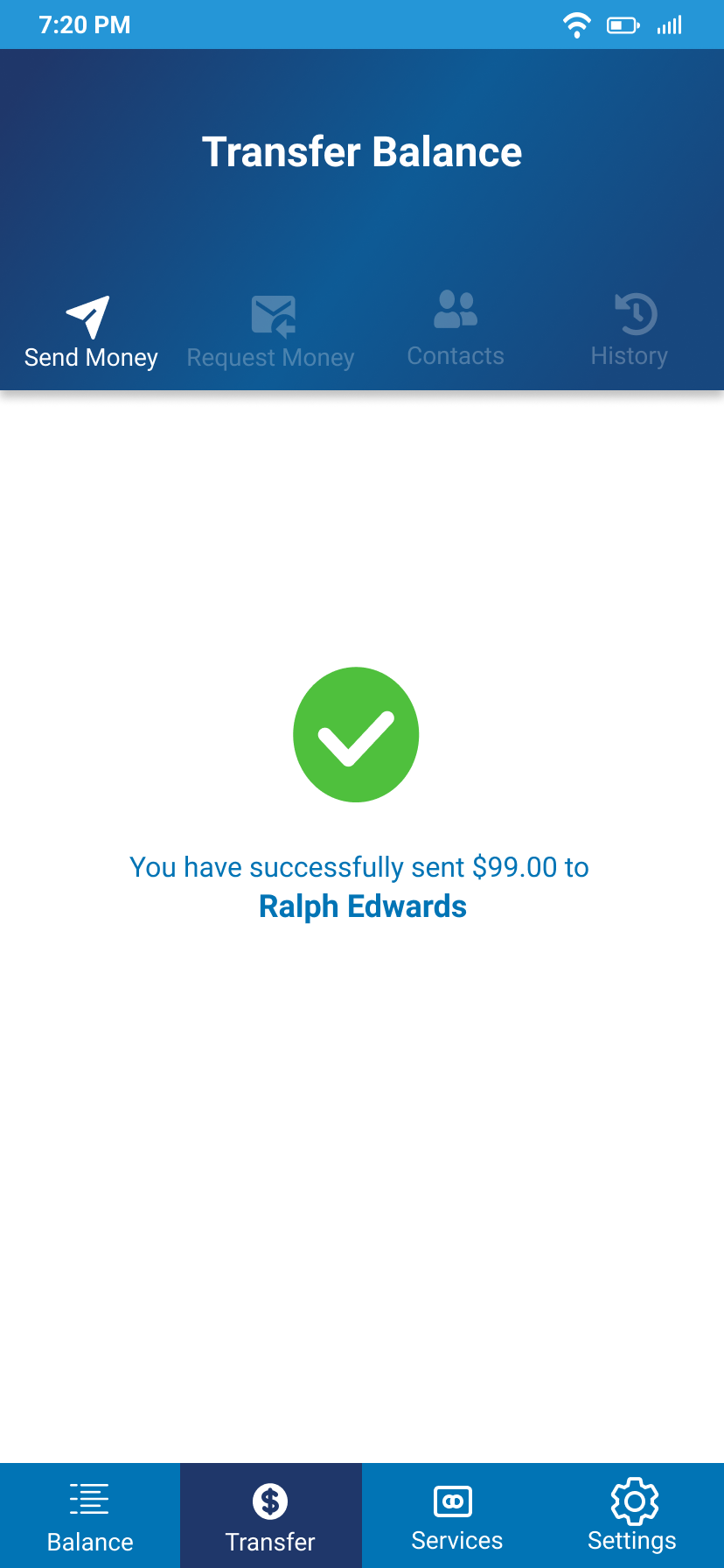
The images show separate example states: the entry screen displays $0.00 and the success example displays $99. A complete prototype flow should preserve the entered amount across review and confirmation.
Services & settings
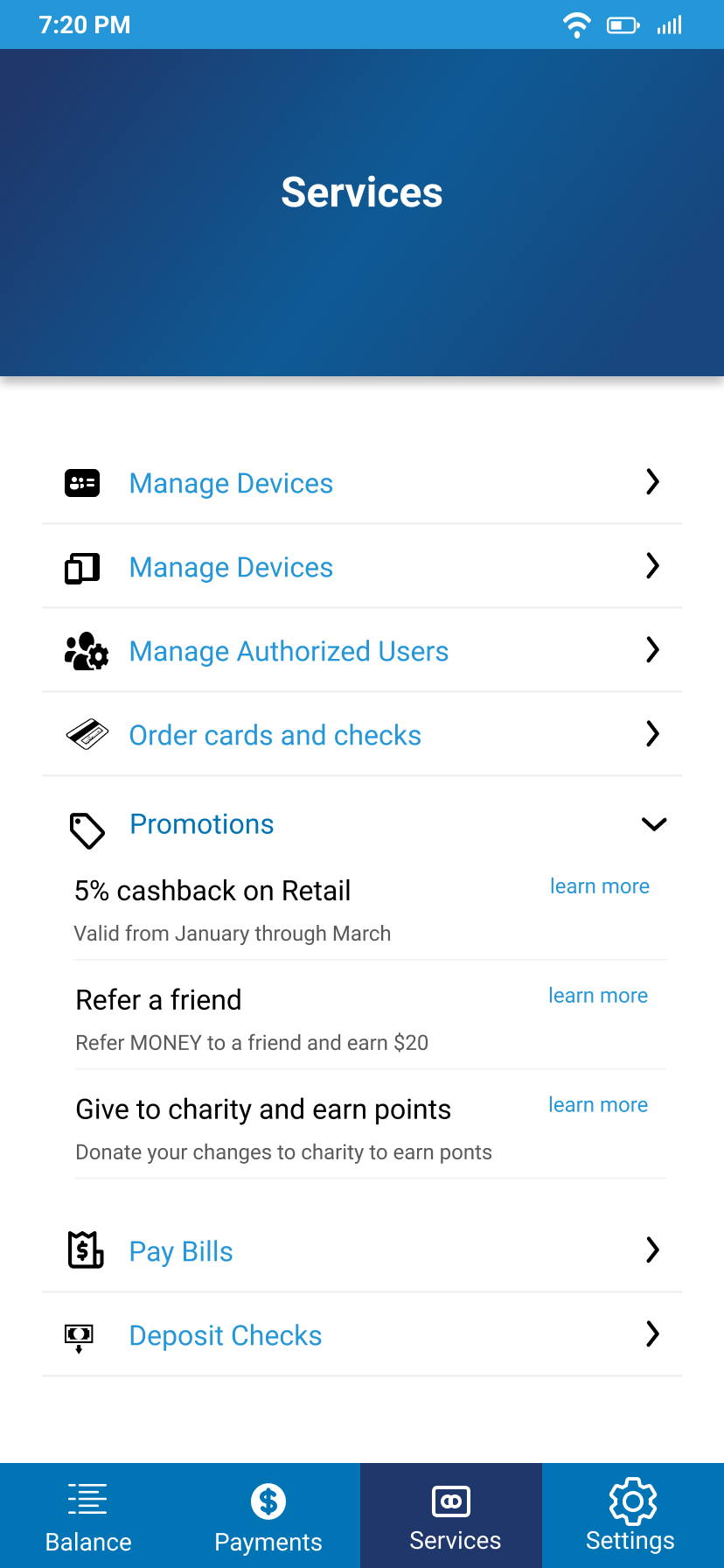
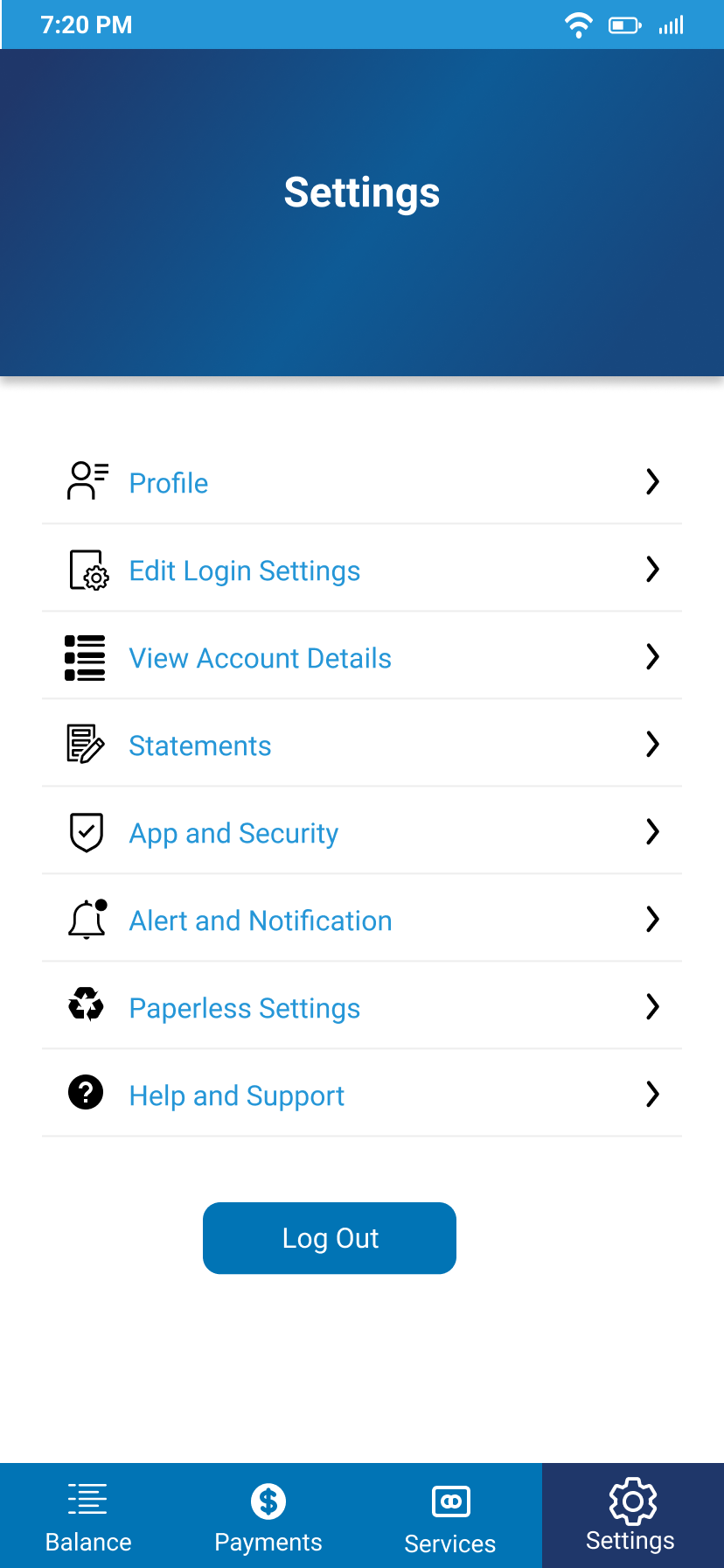
Icon-and-label rows group banking services and account preferences. The services screen includes bill payment and check deposit, while settings collects profile, login, statements, notifications, and support options.
The bottom navigation keeps the main destinations visible, with a darker background marking the selected section. Consistent destination names are an important refinement before testing.
Next steps
Before testing, I would refine the existing mockups in three areas:
- Consistent labels: use one name for the bottom-navigation destination currently labeled both “Transfer” and “Payments,” and resolve the duplicated “Manage Devices” row.
- Transfer clarity: show the source account, amount, and recipient together before sending; add invalid-amount, insufficient-funds, and failed-transfer states.
- Readable controls: evaluate the muted transfer tabs, secondary sign-in links, form labels, and touch targets. Provide text equivalents for chart information.
A task-based usability study would then ask participants to find a recent transaction, identify spending by category, send money to a specified recipient, and change an account preference. I would record task completion, wrong turns, and whether participants can explain the transfer details before confirming.
These are proposed refinements and evaluation steps. The current screens demonstrate the visual concept; they do not establish accessibility, working banking functionality, or improved task performance.